All Playbooksby edouardtheginger

Find a job with AI: from CV to interview
AI Job Search is a free, open-source framework that runs inside Claude Code on your computer. It builds a profile from your CV, searches job boards, scores each match and drafts a tailored CV and cover letter for the jobs you choose. You review every document and send each application yourself.
What you need

- Claude Pro or Max
- Both plans include Claude Code.
- A Mac or Windows PC
- Linux also works, with the terminal version of Claude Code.
- Your CV as a PDF
- Add your LinkedIn profile as a PDF too if you have one.
- Disk space for LaTeX
- MacTeX is a download of several gigabytes. TinyTeX is much smaller and needs a few extra packages, listed in SETUP.md.
The six parts
- Get Claude Code. Claude Pro and the desktop app.
- Install. Download the framework.
- Profile. Build your profile with /setup.
- Search. Find and rank jobs with /scrape.
- Apply. Draft each application with /apply.
- Interview. Prepare interviews and follow up.

Part 1: Get Claude Code

Step 1: Subscribe to Claude Pro
Claude Code has no free plan. Pro costs $20 a month, or $200 a year paid up front. Max starts at $100 a month if you need more usage than Pro allows.
Step 2: Install the desktop app
Download Claude for macOS or Windows and sign in with the account you subscribed with. Claude Code runs inside the app, under Code.
Step 3: Know what Claude Code does
Claude Code is an AI agent that reads and writes files and runs commands on your computer. By default it asks before it edits a file or runs a command, so read each request before you approve it.
 CLICK HERE
Prices checked 23 October 2026 on claude.com/pricing, in US dollars. AI Job Search is an independent project by Mads Lorentzen, released under the MIT licence and not made by Anthropic: AI Job Search on GitHub.

Install: Download the framework
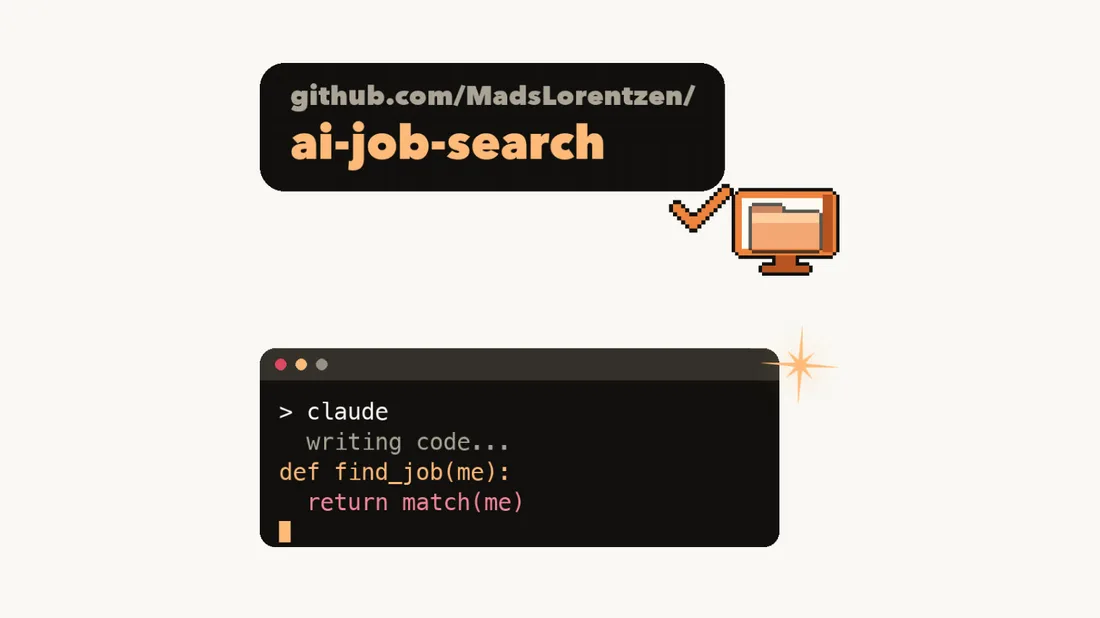
Claude Code downloads the project and installs what it needs: Python 3.10 or newer, Bun to run the job-board searches, and LaTeX to turn your CV and cover letter into PDFs.
PASTE THE LINK
Step 1: Start a session
In the desktop app, open Code, start a new session and pick the folder where the project should go, such as Documents.
Step 2: Paste the prompt
Copy the prompt below, replace [MAC OR WINDOWS] and send it. Read each install request before you approve it. LaTeX takes the longest.
Step 3: Reopen in the project folder
When Claude reports that everything works, start a new session in the new ai-job-search folder. /setup, /scrape and /apply only exist in sessions opened there.

Download the AI Job Search framework from https://github.com/ai-job-search-dev/ai-job-search into this folder. Clone it; do not fork it, and never push anything to GitHub.

Then install what its README lists for [MAC OR WINDOWS] that I don't already have: Python 3.10 or newer, Bun, a LaTeX distribution with lualatex and xelatex, and the optional pypdf package.

Run tools/install_portal_clis.py with Python to install the job-search tools.

Before each install command, tell me in one sentence what it does. When everything works, tell me to open the ai-job-search folder in a new session and run /setup.
The link in the video, github.com/MadsLorentzen/ai-job-search, now redirects to this address.
Keep your copy private. /setup writes your name, contact details, work history and salary expectations into the project's files. A GitHub fork of this project is always public, which is why the prompt clones it to your computer instead. For an online backup, use a private repository as described in SETUP.md, section 8.

Profile: Build your profile with /setup
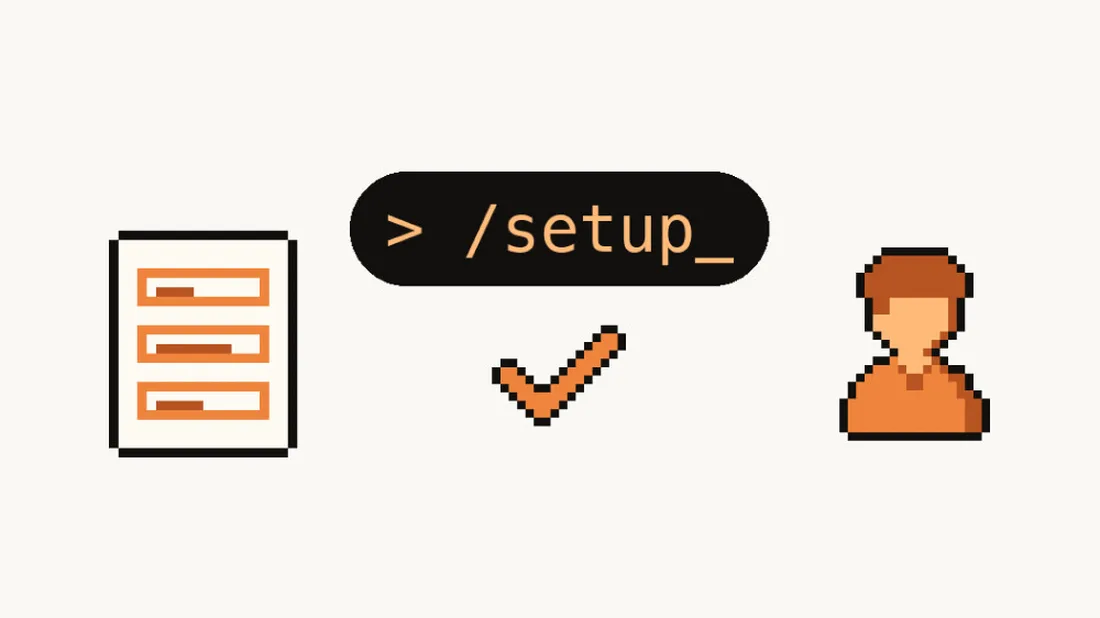
/setup turns your documents into the profile files that every later step reads. The more documents you give it, the less you have to type.
FILL IN YOUR INFO
Step 1: Add your documents
In the ai-job-search folder, put your CV in documents/cv and your LinkedIn PDF in documents/linkedin. Diplomas, reference letters and past applications go in documents/diplomas, documents/references and documents/applications. For the LinkedIn PDF, open your profile and choose More, then Save to PDF.
Step 2: Run /setup
Type /setup and press Enter. Choose A to read the documents folder, B to paste a single CV, or C to answer questions section by section.
Step 3: Check the result
Paste the prompt below and fix anything wrong or missing. Later drafts only use facts that are in your profile.
Compare my profile files with everything in documents/. List each claim in my profile that no document supports, and each important fact in my documents that the profile leaves out, such as a skill, result or responsibility.

Don't change any file yet; wait for my corrections.
Run /setup again whenever you add documents; reading the documents folder is safe to repeat. /expand adds skills it finds through public links in your profile, such as a GitHub account or a portfolio.

Search: Find and rank jobs with /scrape
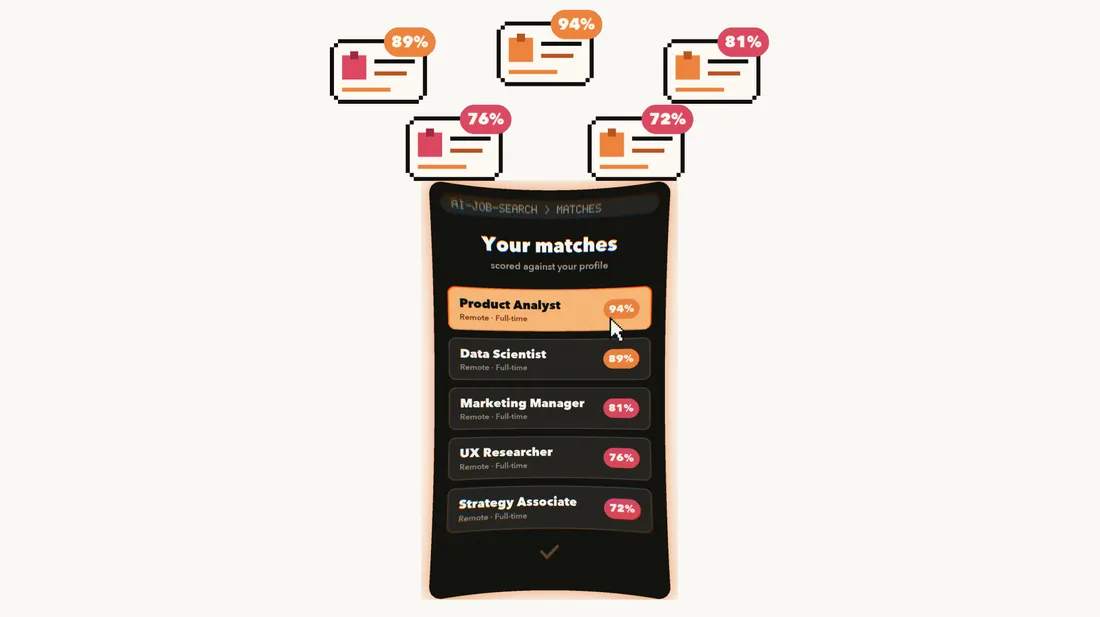
/scrape searches job boards for roles that fit your profile, removes duplicates and lists the matches with a fit score.
GET YOUR MATCHES
Step 1: Run /scrape
Type /scrape. It searches with your profile and lists the matches sorted by fit.
Step 2: Know which boards it covers
It ships with LinkedIn's public job listings and freehire.me, which work across countries, plus four Danish boards: Jobindex, Jobnet, Akademikernes Jobbank and Jobdanmark.
Step 3: Add your country's board
Type /add-portal followed by the board's address. Claude studies the site, builds a search tool for it and tests a live search before adding it.
Step 4: Rank a long list
/rank scores every new match on five criteria and returns a shortlist with strengths, gaps and deadlines. Deal-breakers in your profile rule a job out.
/scrape

/add-portal [JOB BOARD ADDRESS]

/rank
Some sites block automated access. If a search or a job link fails, open the posting yourself and paste its text after /apply (next part).

Apply: Draft each application with /apply
/apply writes a CV and a cover letter for one job, has a second agent review them and compiles both into PDFs.
TAILORED TO THE JOB

Step 1: Choose a job
After /scrape or /rank, pick a match from the list. You can also run /apply with a job link, or with the full job description pasted after it when the site blocks the link.
Step 2: Let it work
It scores the fit, drafts both documents, sends them to a reviewer agent that researches the company, revises them and compiles the PDFs: a two-page CV and a one-page letter. It also checks that an applicant tracking system (ATS), the software many employers use to screen CVs, can read your CV's text.
Step 3: Review, then send it yourself
Read both PDFs before you send anything. The framework only uses facts from your profile, but check every claim, the company name and the job title. Then apply on the employer's site.
/apply [JOB LINK]

/apply [FULL JOB DESCRIPTION]
Job postings can hide instructions aimed at AI tools. The framework treats a posting as data and ignores those instructions, but skim what it fetched before you send, especially from an unfamiliar job board.

Interview: Prepare interviews and follow up
Spend the time you save on interviews. These commands track each application and prepare you for the next conversation.
PREPARE THE INTERVIEW

Step 1: Record each outcome
/outcome logs interview stages, offers, rejections and silence, archives the documents you sent and updates job_search_tracker.csv.
Step 2: Follow up on quiet applications
/outcome followup lists applications with no news for 10 days and drafts a short follow-up in your writing style. It never sends anything and drafts at most two per application.
Step 3: Prepare the interview
/interview builds a prep pack from the exact posting and the documents the interviewer read, researches the company and the interviewers, matches likely questions to your STAR stories (situation, task, action, result) and offers a mock interview.
More commands

- /html-report
- An offline dashboard of all your applications.
- /upskill
- Your skill gaps across the jobs you track, with a learning plan.
- /gmail-sync
- Reads interview invites and rejections in Gmail and proposes tracker updates for you to approve.
- /reset
- Wipes your profile data so you can start over.
Source: the AI Job Search README and command files, checked 23 October 2026. AI Job Search on GitHub