All Playbooksby edouardtheginger

Anybody can reverse-engineer viral product launches
Start with a working product, a specific customer and one action you want people to take.
The six parts
- Plan the launch.
- Write and record the video.
- Find creators and send their briefs.
- Schedule the creator waves.
- Run launch day and keep replying.
- Keep engaging for months.

Part 1: Plan the launch
Write a short company brief: product and URL, target customer, problem, competitive advantage, verified founder background and evidence you can show. ICP means your ideal customer profile; CTA means the next action, such as trying the product.
Choose one CTA and test its full journey on a phone. Update your X bio, product link and pinned post. Publish useful demos or observations before launch and join relevant conversations.
Study three relevant launches in the Doomers directory and read its playbook. Note the opening claim, demo, creator angles and follow-ups. Treat the view counts as a dated snapshot.
Set the date, time zone, total budget and launch owner. Keep a spreadsheet with creator, email, fee, brief link, wave, calendar link, confirmation, post URL and results.
Choose the help you need

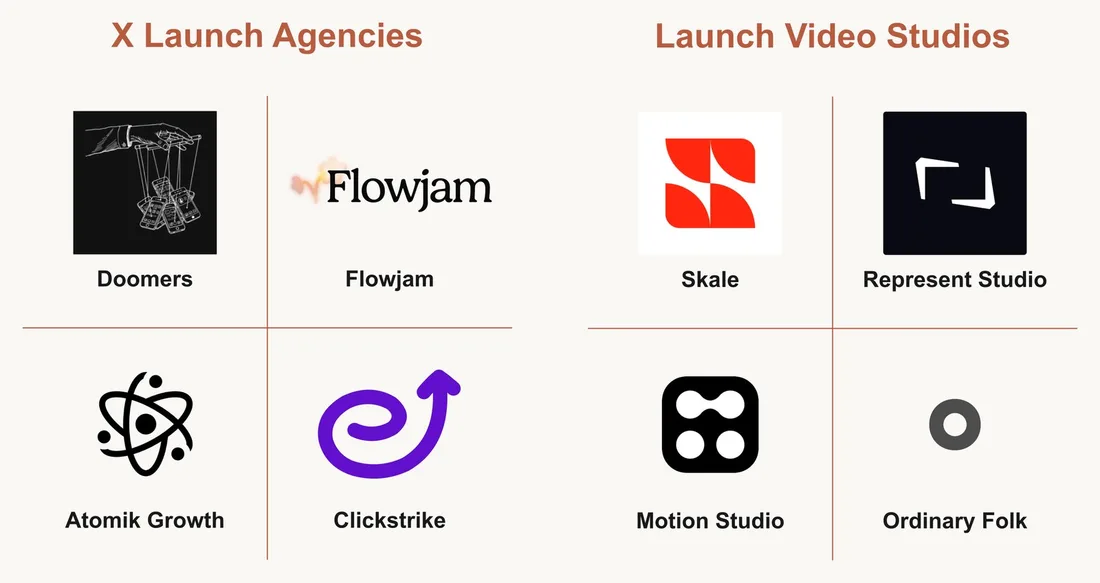
Launch planning and creator distribution: Doomers, Flowjam, Atomik Growth, Clickstrike.
Video production: Skale, Represent Studio, Motion Studio, Ordinary Folk. Or film a clear demo with your phone.
Agree on deliverables, rights, revisions, creator fees and reporting before paying. Ask Motion for its studio service if you want production help; it also has a self-serve tool. Compare recent work for your audience. This is a shortlist, not a ranking.

Part 2: Write and record the video
Use this prompt for the product launch video. The target length is 2:30-3:00.
- Founder credibility
- Debatable claim
- Product demonstration
- One clear CTA


Write a 2:30-3:00 launch video script for [PRODUCT], aimed at [ICP].
Company context: [COMPANY CONTEXT].

1. Introduce [FOUNDER] using [VERIFIED CREDENTIAL] to explain why they built this product.
2. State [DEBATABLE CLAIM] and explain why it matters to the audience.
3. Demonstrate [COMPETITIVE ADVANTAGE] with [VERIFIED EVIDENCE] and one clear [USE CASE].
4. End with [CTA].
5. Return a timecoded script with voiceover and a visual cue for each passage. Keep the spoken read within 2:30-3:00.

Use only supplied facts. Mark missing information [MISSING] and continue without follow-up questions.
SKILL
edouard-video-scriptGRAB IT HERE: the edouard-video-script skill
Check every claim and read the script aloud with a timer. Record the founder and the actual product flow. Keep private data off screen and make sure the result shown matches the claim.
Edit out dead time, add complete captions and check the export on a phone. Keep text clear of platform controls. If the read runs long, cut repetition before speeding up the audio.
Click GRAB IT HERE, unzip the download and attach SKILL.md to the same chat as your prompt. For video scripts, also attach Humanizer. Tell the assistant to use your 2:30-3:00 duration and product CTA instead of the skill’s default duration and follow CTA.

Part 3: Find creators and send their briefs
Keep the central claim consistent while giving every creator an angle that fits their audience.
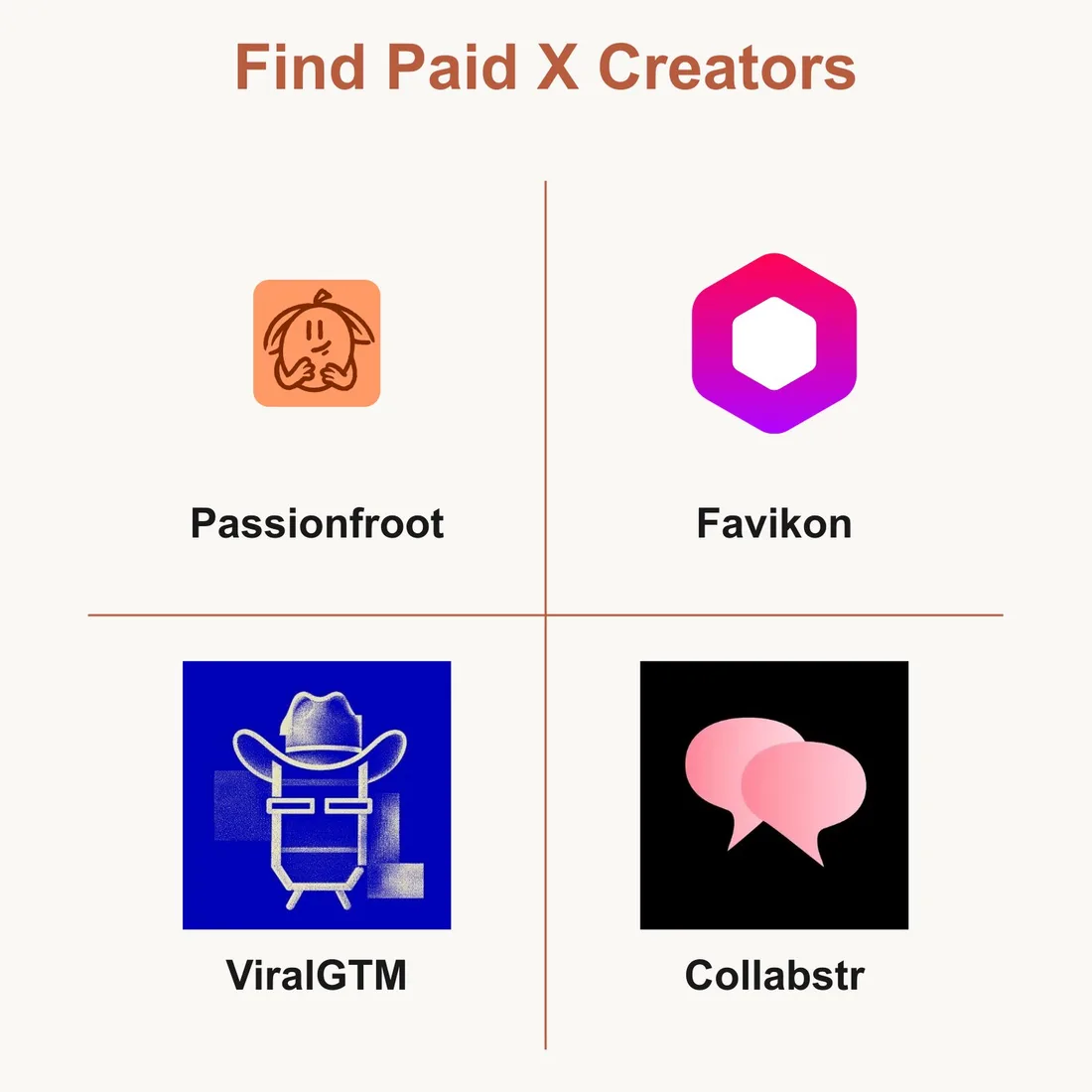
Find X creators through Passionfroot, Favikon, ViralGTM, Collabstr. Confirm each platform’s current X offering before paying.
Review recent posts and replies for audience fit. Agree on price, format, timing and disclosure.
Paste the prompt below into your AI chat with your company brief, creator profiles, post examples and emails. Replace all bracketed fields.
Use [CREATOR PROFILES + EMAILS + SAMPLE POSTS] to create a unique brief for each creator promoting [PRODUCT] to [ICP].
Context: [COMPANY CONTEXT]. Shared claim: [CENTRAL CLAIM]. Action: [CTA]. Window: [POSTING WINDOW]. Assets: [ASSET LINKS].

1. Analyze each creator's audience and voice.
2. Keep the shared claim consistent. Give each creator distinct hooks, framing and format that fit their audience.
3. Include three hooks, one recommended angle, the format, CTA, posting window and paid-partnership disclosure.
4. Create one editable PowerPoint (.pptx) or Google Slides deck per creator.
5. Email each creator their own deck or Slides link with the asset links. If email tools are unavailable, return ready-to-send drafts.
6. Return a brief list: creator, email, brief link and actual send status.

Mark missing details [MISSING]. Do not invent claims or ask follow-up questions.
SKILL
humanizer skillGRAB IT HERE: the humanizer skill skill
Review each deck before sending. If the assistant only returns text, paste the slides into PowerPoint or Google Slides. Email delivery needs a connected, authorized sending tool; otherwise send the prepared drafts yourself. Save the returned brief list for the next step.

Part 4: Schedule the creator waves
Use the brief list from the previous step. Send calendar emails separately from the briefs.
- Founder posts at T+0
- Wave 1 · T+15 minutes
- Half the creators
- Wave 2 · T+4 hours
- The other half
Paste the prompt into your agent and supply the launch link, creator brief list and supporter emails. Use a named time zone such as Europe/Paris. For a 10:00 launch, the waves post at 10:15 and 14:00 in that same zone.
Use [BRIEF LIST], with each creator's email.
Launch: [DATE], [LAUNCH TIME], [TIME ZONE]. Link: [LAUNCH LINK].

1. Assign half the creators to Wave 1 and half to Wave 2. If the total is odd, put the extra creator in Wave 1.
2. Set Wave 1 for 15 minutes after launch and Wave 2 for 4 hours after launch.
3. Create a Google Calendar link for each creator's assigned posting time.
4. Email each creator their calendar link. Email [INVESTORS + FRIENDS & FAMILY] the launch link and both wave times so they can join the conversation.
5. Return a tracker: creator, wave, posting time, calendar link and actual email status.

Use the existing briefs. Do not create or resend them. If email tools are unavailable, return drafts. Mark missing details [MISSING]; do not ask follow-up questions.
SKILL
humanizer skillGRAB IT HERE: the humanizer skill skill
Check the schedule before sending

Open a sample calendar link and verify its date, local time, time zone and launch URL. Get each creator to confirm their slot; a link alone does not prove they added the event. Track missing confirmations and failed emails.
For manual setup, create an event in Google Calendar and invite the creator by email. Give each creator only their own instructions. Investors and friends can join the discussion when they have something useful to add.

Part 5: Run launch day and keep replying
Keep the founder and launch owner available for questions, product issues and corrections.
Launch timeline
- T+0
- Founder posts the core story
- T+15 min
- Creator wave begins
- T+30 min
- Founder actively works replies
- T+4 hr
- Second wave: fresh creator posts with different angles
- T+1 day
- Follow-up post: the founder posts a new object for discussion
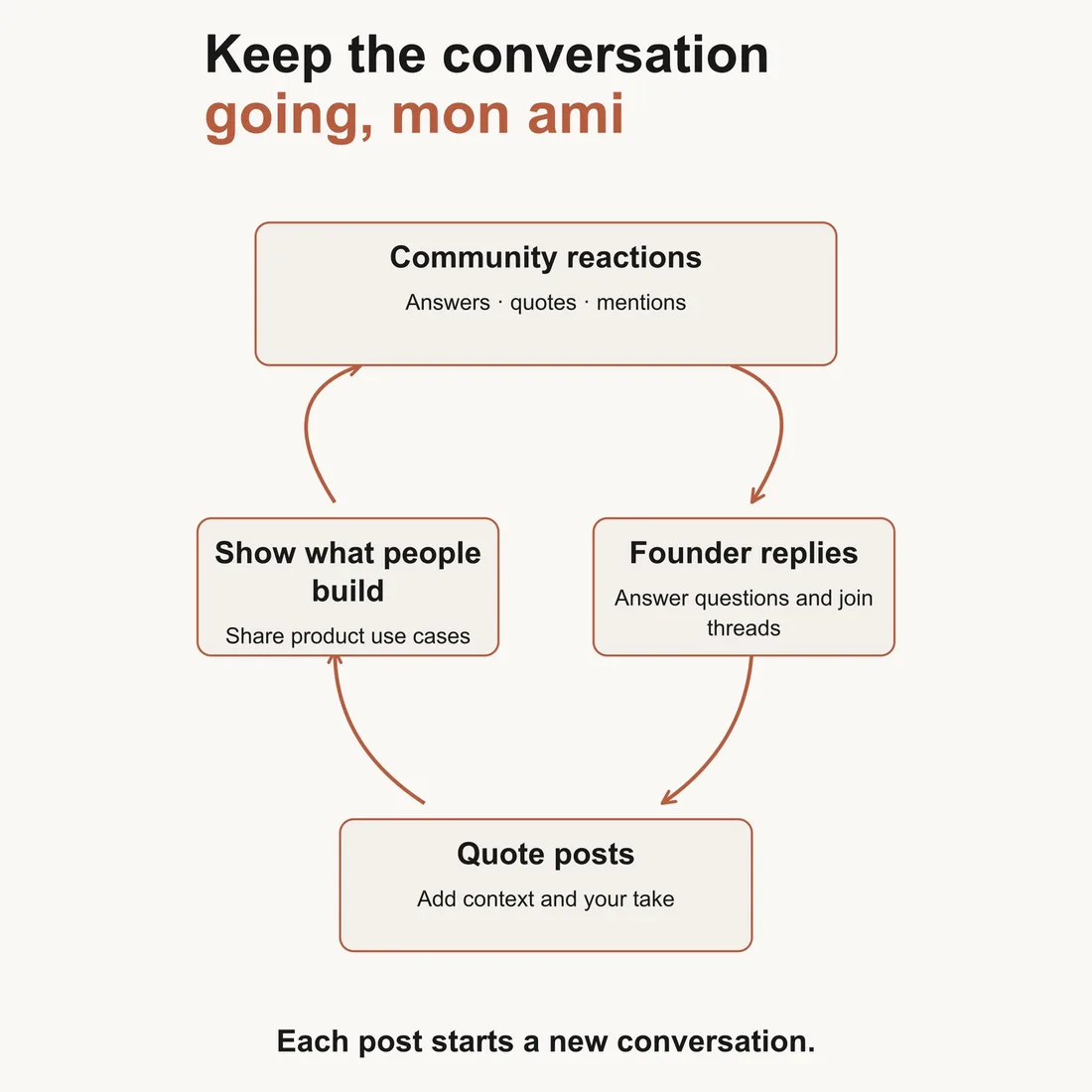
Credit users and get permission before sharing their work. Log recurring questions, fix broken signup paths and correct inaccurate claims. Paid creator posts should include a clear paid-partnership disclosure.
Pitch relevant media


AI News: editorial enquiry form. The Register: journalist contacts. Every: partnerships contact. The Rundown: tool submissions or paid advertising.
Email a relevant angle: what launched, who it helps, what is new and the evidence. Add the product link, short demo and founder contact. Tailor it to recent coverage. Keep editorial pitches and paid placement requests separate.

Part 6: Keep engaging for months
Use each round of results and conversations to decide what to publish and who to work with again.
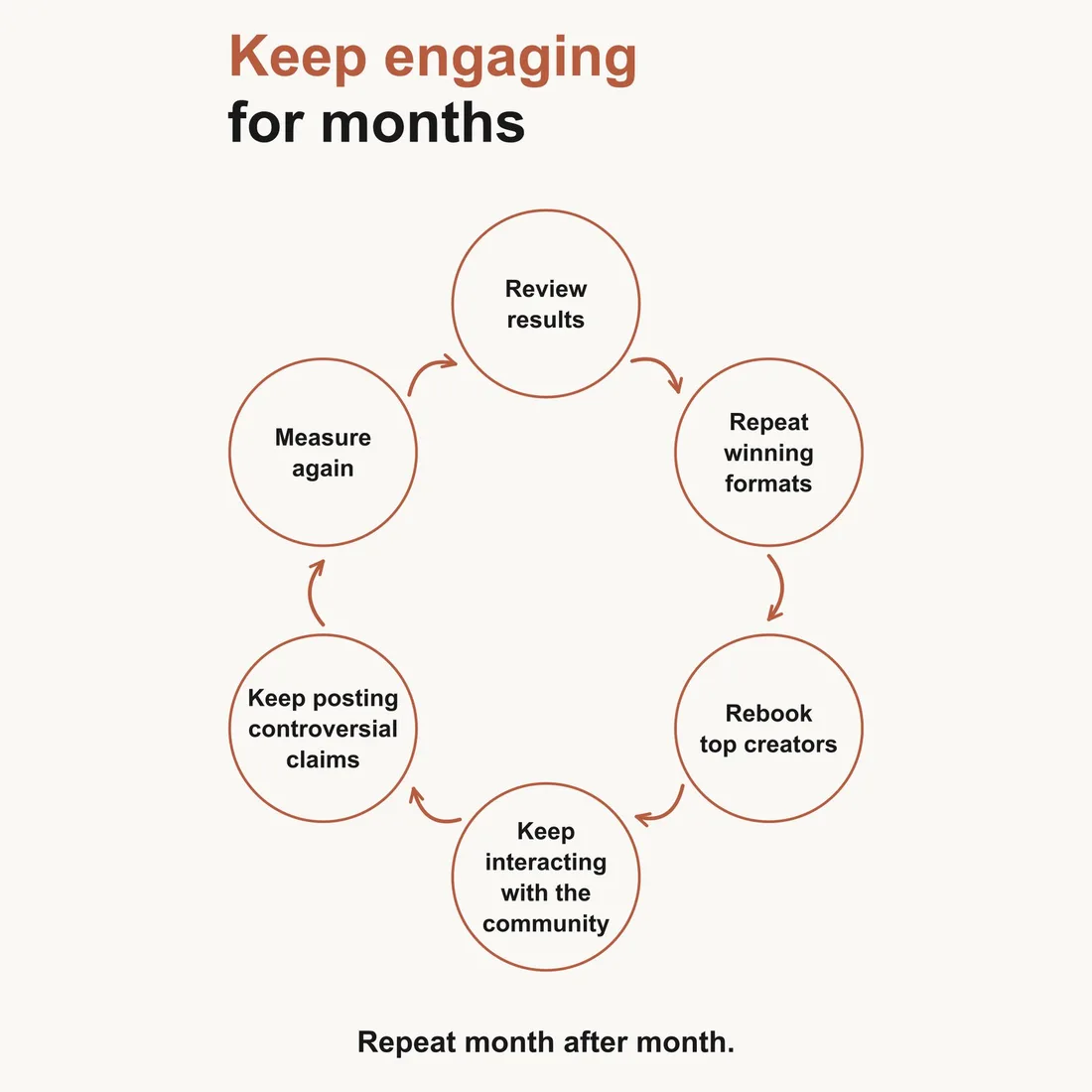
- 01 · Every day
- Answer active conversations. Save questions, objections and examples of what people build. Turn useful themes into new posts and product improvements.
- 02 · Every week
- Repeat formats that help people understand the product. Post specific, defensible claims that people can discuss, and respond to the replies.
- 03 · Every month
- Book the creators who bring qualified traffic and product use. Give them fresh briefs and angles. Compare those outcomes alongside views.
Measure the journey after the post
- Post views
- Landing-page visits
- Signups or demos
- People using the product
Give each creator a separate tracking link. Record their fee, post URL, views, clicks, signups and activated users. Define activation as a useful product action, such as completing the first task. Compare the same window for everyone: for example, the first 24 hours and first seven days.
Signup conversion = signups ÷ measured visits × 100.
Cost per attributed signup = creator fee ÷ attributed signups.
When there are no signups, record that result. Links miss some later visits and shares, so treat attribution as an estimate.
Before the next launch
Check the claims and demo. Test the product link and signup flow. Confirm brief delivery, posting times and disclosures. Assign someone to replies and product issues. Prepare the next-day follow-up.